Jazz Balance Check Code: Dialing Number to Check Balance
In today’s fast-paced digital world, staying connected is more important than ever. Whether you make calls, send SMS, or use mobile internet, keeping track of your prepaid balance helps you avoid service interruptions. If you are a Jazz prepaid user in Pakistan and frequently search for terms like Jazz balance check, check balance Jazz, Jazz balance check code, or how to check Jazz balance, this guide is exactly what you need. Both new and existing Jazz customers should know the quickest and most reliable ways to check their remaining balance. This article explains all available Jazz balance check methods, including USSD codes, the Jazz World App, and online options. We’ll also cover charges, common issues, and helpful tips so you’re never caught off guard by low balance.
Why Is It Important to Check Jazz Balance Regularly?
Regularly checking your Jazz balance helps you stay in control of your mobile usage and expenses. Using the Jazz balance check code allows you to:
- Avoid balance depletion during important calls
- Monitor mobile internet usage
- Detect unexpected balance deductions
- Decide when to recharge or activate packages
- Manage daily, weekly, or monthly subscriptions effectively
Since calls, data, and background apps can quickly consume balance, knowing how to check balance on Jazz is essential for every prepaid user.
Official Jazz Balance Check Code
The easiest and most reliable way to check your remaining Jazz balance is by using the official USSD code. This method works on all phones, including smartphones and feature phones.
Jazz Balance Check Code
Dial: *111#
Steps to Check Jazz Balance:
- Open your phone dialer
- Dial
*111#from your Jazz SIM - Press the call button
- Your available balance will appear on the screen within seconds
This is the most commonly used method by users searching for balance check Jazz, or how to check Jazz balance via code.
Other USSD Codes for Jazz Balance & Account Info
In addition to the main balance check code, Jazz offers alternative USSD options for account details and offers.

| Service | USSD Code |
|---|---|
| Jazz Balance Check | *111# |
| Jazz Menu / Offers | *444# |
| Jazz Account Info | 1112# |
These codes are helpful if the primary balance code is temporarily unavailable due to network congestion.
How to Check Jazz Balance Using Jazz World App
For users who prefer digital solutions, the Jazz World App is the most convenient and free way to check balance and manage services.
Steps to Check Balance via Jazz World App:
- Download the Jazz World App from Google Play Store or Apple App Store
- Open the app and log in with your Jazz number
- Your available balance will appear on the home screen
Extra Benefits of the Jazz World App:
- View remaining data, SMS, and call minutes
- Track active packages
- Subscribe or unsubscribe from bundles
- Check recharge history
This method is ideal for users looking for Jazz balance code free without USSD charges.
How to Check Jazz Balance Online
Jazz also provides an online option for users who prefer managing their account via desktop or laptop.
Steps to Check Jazz Balance Online:
- Visit the Jazz World Web Portal
- Enter your Jazz number
- Verify using the OTP sent to your phone
- View balance, active bundles, and usage details
This option is perfect for users searching check Jazz balance online or how to check Jazz balance on PC.
How to Check Jazz Balance Without USSD Code?
If you don’t want to use any dialing code, Jazz offers alternative methods.
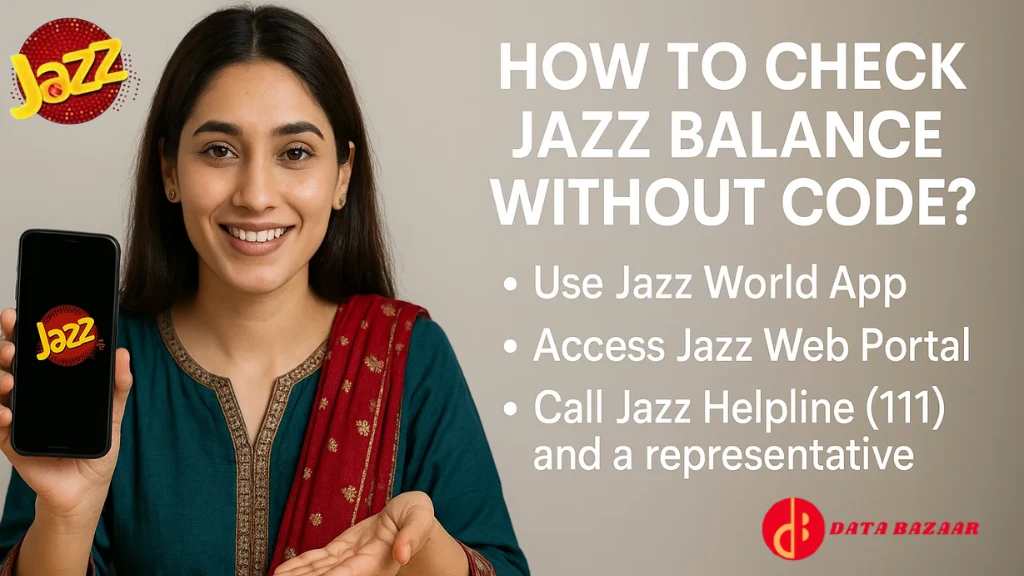
No-Code Jazz Balance Check Options:
- Jazz World App
- Jazz Online Web Portal
- Call Jazz Helpline (111) and ask the representative
These methods are useful for users searching for how to check Jazz balance without code.
Is There a Fee to Check Jazz Balance?
Yes, USSD balance checks have a small charge, while digital methods are free.
| Method | Charges |
|---|---|
| *111# USSD Code | Rs. 0.24 (incl. tax) |
| Jazz World App | Free |
| Jazz Online Portal | Free |
Tip: Frequent users should rely on the Jazz World App to avoid repeated USSD charges.
Why Is My Jazz Balance Check Code Not Working?
If dialing *111# does not show your balance, it may be due to:
- Temporary network issues
- Weak signal strength
- SIM registration problem
- Handset or software issue
What You Can Do:
- Restart your phone
- Dial *444# as an alternative
- Use the Jazz World App
- Call Jazz helpline at 111
Tips to Manage Your Jazz Balance Effectively
- Use the Jazz World App for real-time tracking
- Monitor daily internet usage
- Disable background data for unused apps
- Subscribe to prepaid packages to avoid per-minute charges
- Set balance alerts inside the app
Conclusion
If you are a Jazz prepaid user, knowing how to check Jazz balance is essential to avoid unexpected service disruption. While dialing *111# remains the fastest method, modern options like the Jazz World App and online portal offer free and detailed balance tracking. Whether you prefer USSD codes, mobile apps, or web access, Jazz provides multiple easy ways to check balance. With this complete guide, you’ll never be surprised by a zero balance again.