

Zong Number Check Code: How to Check Zong SIM Number
Today, in the fast-paced virtual era, mobile communication is no longer a luxury it’s a necessity. To communicate professionally, for learning, social networking, or security reasons, staying connected through mobile networks has become a prerequisite. But users also land in a scenario when they cannot remember their mobile number, particularly while handling more than one SIM card. Moreover, ownership information about SIM is needed for excluding unauthorized use and account security. Zong Number, also referred to as China Mobile Pakistan (CMPak), is a most utilized telecommunication service provider in Pakistan. With good coverage, cheap packages, and fast 4G/5G internet, Zong offers a number of methods through which a user can locate their Zong SIM number and confirm SIM ownership at home. This detailed 2026 guide will take you through all the Zong Number check codes, how to verify whether your SIM is registered, and how to verify whether your SIM is registered against your CNIC.
How to Check Zong SIM Number (2026 Ways)
If you’ve lost your Zong number, no need to panic—just employ these best and latest ways to retrieve it:
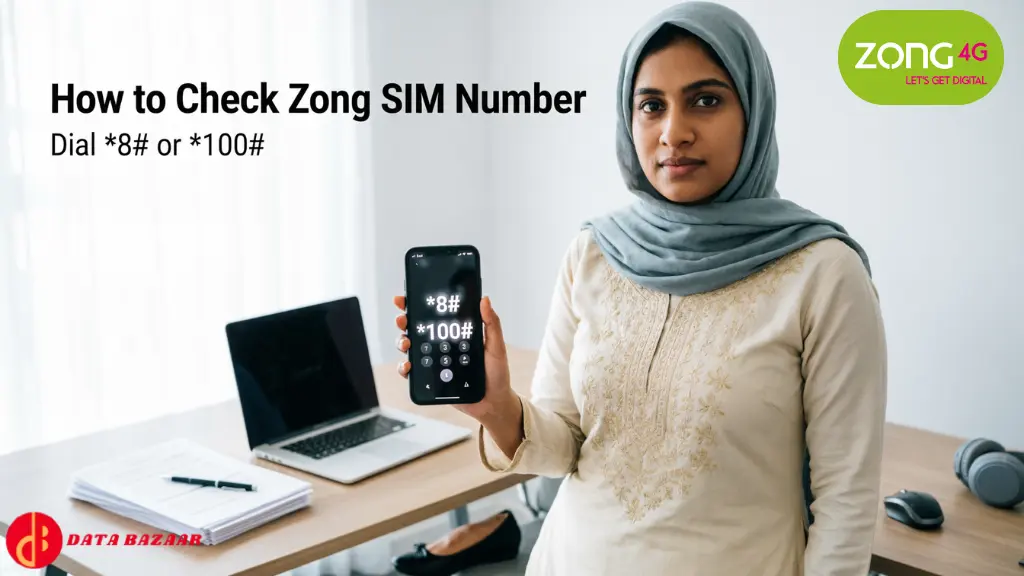
With Zong USSD Code (No Balance Required)
- This is the easiest and free way to get your Zong number.
- Dial *8# or *100# with your Zong SIM.
- Your Zong number will be displayed on screen in seconds.
- Save or screenshot for later.
Will function even if your balance is zero.
Check Zong Number through SMS
Another easy way is through SMS:
- Open your messaging app.
- Send MNP to 667.
- You will receive an Zong SMS with your Zong number, owner name, and CNIC detail.
Standard SMS charges will be applied.
My Zong App (Online Method)
- My Zong App is a one-stop solution for managing your Zong account.
- Download the My Zong App from the Google Play Store or Apple App Store.
- Login with your Zong SIM.
- Your mobile number will be visible on the app dashboard.
- You may also view data usage, balance left, and package details.
Internet connection required.
Call Zong Helpline (Customer Service)
If nothing works:
- Dial 310 on your Zong number.
- IVR menu or talk to a customer service representative.
- They will provide your SIM number upon verification.
Standard call charges may apply.
Call Another Number (In case of Available Balance)
One simple way to determine your number is with a call to someone familiar.
- Insert Zong SIM into your cell phone.
- Call someone you know, a relative or acquaintance.
- Request them to check the number on their phone.
Balance actively required.
Check Zong SIM Number under Phone Settings
- Some phones show the SIM number:
- Settings > About Phone > SIM Status.
- If available, your Zong number will show in “SIM info”.
Not compatible with all devices.
How to Check Zong SIM Owner Details (2026 Guide)
It is crucial to verify the ownership information of a SIM so that it will be in your name.

Send SMS to 667
- Send an empty SMS to 667 on the Zong SIM.
- You will get a message containing the owner’s name and CNIC number.
- SMS rates apply. Kindly verify that you have sufficient balance.
For Ported Numbers (MNP Users)
If your number was ported from another network to Zong:
- Type MNP and send to 667.
- You will be provided with the owner details, CNIC, and IMSI details.
- Data for newly ported SIMs may take some time to get updated.
Verify through PTA’s SIM Information System
The Pakistan Telecommunication Authority (PTA) provides a government-authorized facility to verify all SIMs registered against your CNIC.
- Visit: https://cnic.sims.pk/
- Enter your CNIC number (without dashes).
- Click on Submit to display all registered SIMs.
Safe and cost-free government device.
Call Zong Customer Care
If you still require help:
- Dial 310 with your Zong number.
- Ask for SIM ownership details once you have confirmed your identity.
Best option if others are not available.
Why Zong is a Favourite Telecom Network in 2026
Wandering why millions of Pakistanis rely on Zong? Here’s why:
- Extended Coverage: Good signal in rural and urban areas.
- Reasonable Plans: Competitive pricing on data, calls, and SMS.
- Quick Internet: Dependable 4G and 5G coverage anywhere in Pakistan.
- Easy Account Management: Via the My Zong App.
- Customer Service: Prompt service through 310 helpline and online support.
Conclusion
With several quick and easy methods made available in 2026, it is never been simpler to search for your Zong SIM number check and confirm ownership information. Through a USSD code, SMS service, My Zong App, or even by contacting customer care, Zong makes it easy for users to handle their SIM. Reminding yourself of your SIM registration not only stops abuse from happening but also keeps you legal and trouble-free. Always register your Zong SIM against your own CNIC and report any discrepancy in time to the authorities.
